
Record remote podcast guests in studio quality.
Pay $49 once.
Guests join from a browser link — nothing to install. Everyone records locally, per-person tracks sync automatically, and local AI handles captions, auto-editing, and reels. Bloom Meeting is a desktop app you own, not a subscription you rent.
vs Riverside $24/mo ($288/yr) · one-time, no seats, no meter
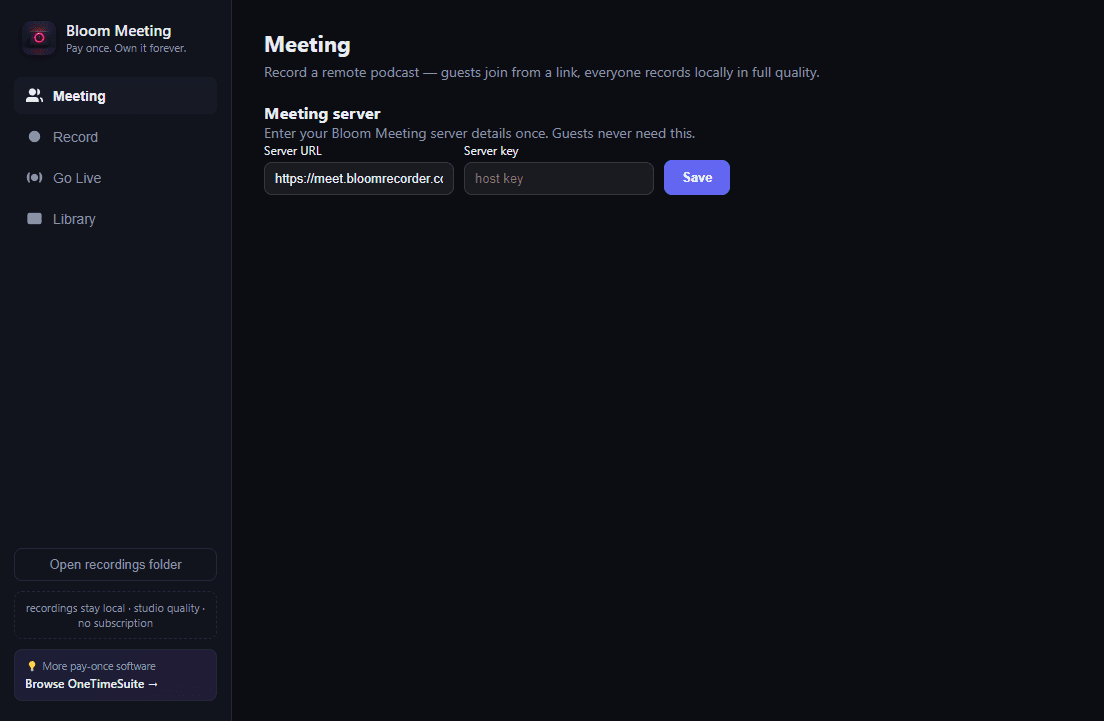
Everything a remote podcast studio needs. Nothing it doesn't.
Built on the same local-first recording engine as BloomRecorder, with a meeting layer on top designed for one thing: getting a remote guest recorded at studio quality with zero setup friction.
Guests join from a browser link
No install, no account, nothing to download. Send a link, they click it, the meeting starts. Up to 4 guests plus the host over mesh WebRTC with TURN fallback so it works behind hotel wifi and corporate firewalls.
Everyone records locally, in studio quality
The live call carries conversation only — it is never the recording. Guests dual-record video (8Mbps VP9) and audio (separate Opus track) on their own machine and chunk-upload to your relay as they go. The host records locally in-app. No more choppy Zoom audio ruining an episode.
Per-person tracks, automatically synced
Every participant gets their own take folder with server-stamped start times and per-recorder clock offsets baked into a .take.json file, so every track lines up in post without you touching a waveform.
Local AI captions, per speaker
A quantized Whisper model runs fully offline on your machine to transcribe every speaker. Nothing is uploaded to a captioning API and there's no per-minute bill — captions are just part of the app.
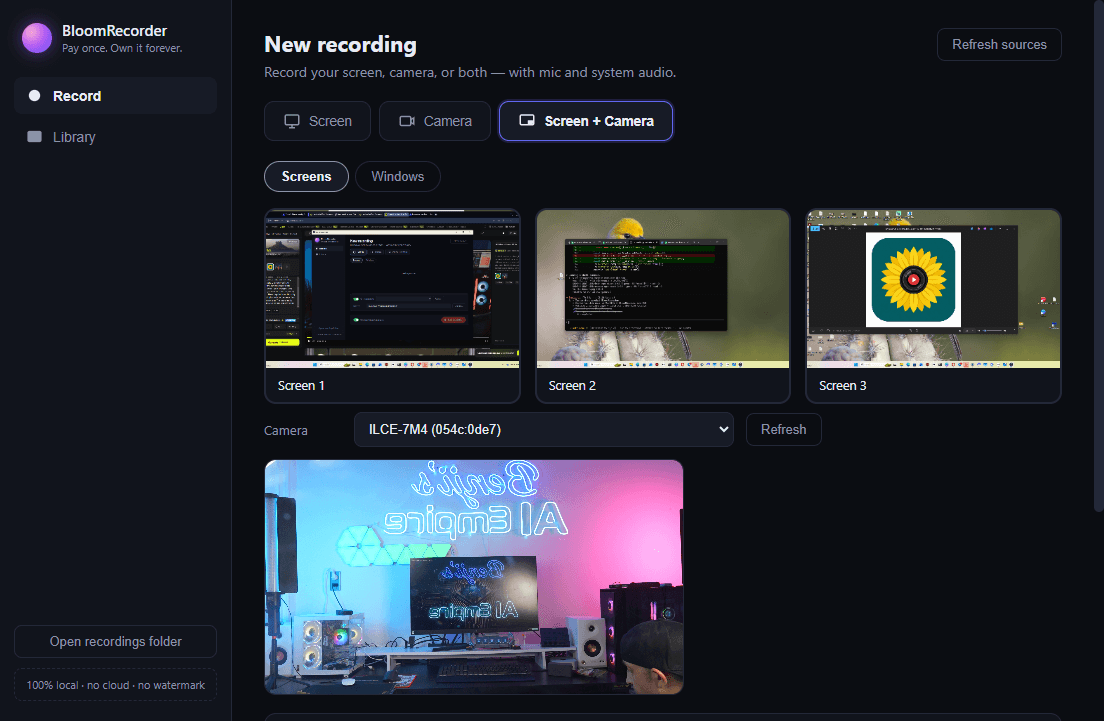
Dynamic Edit — auto-cut episodes
Bloom Meeting transcribes every participant locally and auto-cuts the take into an edited episode: full-screen on whoever's talking, split-screen the moment two people talk over each other. Preview and override any cut before it renders 1080p via bundled ffmpeg.
Go Live while you record
Broadcast the composited meeting grid — speaker labels, 1-up or split layouts — straight to Twitch or any RTMP server while the local, uncompressed recording keeps saving in the background. Stream quality and archive quality are two different things; Bloom Meeting doesn't make you choose.
Remove silences, edit the transcript
Cut dead air with one pass of ffmpeg silence detection you can review before committing, or edit the video by editing the transcript text Descript-style — click a word, mark it, apply. Same cut engine under both.
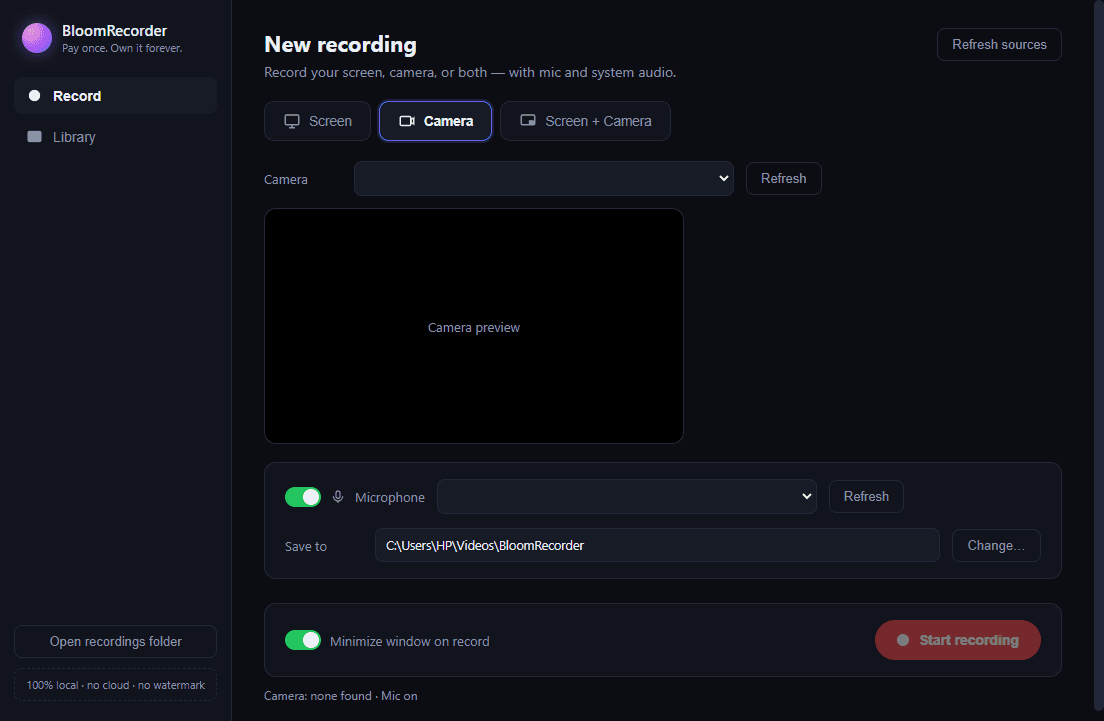
Vertical reels for clips
Make Viral Reels scores the transcript for hook words, emphasis, and pacing, then cuts and reframes the strongest moments to 9:16 automatically — a starting point for a producer, not a claim about what will go viral.
How Bloom Meeting compares
Honest, line-by-line breakdowns against the tools you're probably paying for right now.
Built for how you actually work
The same recorder, tailored guidance for how different teams use it.
One price. Own it forever.
No seats, no monthly meter, no "grow" tier that unlocks the feature you actually needed. Pay once, keep using it.
Bloom Meeting — Windows & macOS
- ✓Unlimited meetings, unlimited guests over time
- ✓Up to 4 guests + host per meeting
- ✓Per-person studio-quality local recording
- ✓Local AI captions & transcription (no per-minute fees)
- ✓Dynamic Edit auto-cut + Go Live RTMP streaming
- ✓Silence removal, transcript editing, vertical reels
- ✓Free updates to future 2.x releases
Riverside.fm Pro — the subscription alternative
- •$288/yr, forever, as long as you use it
- •Editing features split across pricier tiers
- •Storage & transcription minutes metered per plan
- •Stop paying, lose access
Bloom Meeting pays for itself before month two.
Frequently asked questions
Do my guests need to install anything?+
No. Guests join a meeting from an ordinary browser link — nothing to download, no account to create. Only the host runs the Bloom Meeting desktop app.
Is it really a one-time purchase?+
Yes. Bloom Meeting is $49 once, not a subscription. You get the current version and can keep using it indefinitely. Compare that to Riverside at $24/mo ($288/yr) — Bloom Meeting pays for itself before month two.
Where does the recording actually happen?+
Locally, on each participant's machine. The live call is only for hearing each other talk — every participant records their own studio-quality video and audio locally, and guest tracks upload to a relay server during the call so they're available when the meeting ends. Nothing about the editing, captioning, or transcription happens in the cloud.
What does the relay server actually do?+
It's a thin server that handles the live call (so guests can hear the host and each other) and receives the chunked uploads of guest recordings during the meeting. It doesn't process, edit, or store your final recordings long-term — that all happens on your machine.
Does it work on Mac and Windows?+
Bloom Meeting ships signed installers for Windows and macOS. See the Download page for the current release, file sizes, and first-launch notes for each platform.
How many guests can join a meeting?+
Up to 4 guests plus the host in a single meeting, each recording their own studio-quality track.
Can I stream live while recording?+
Yes — Go Live composites the meeting into a grid (speaker labels, 1-up or split layouts) and streams it via RTMP to Twitch or any custom RTMP server, while the full-quality local recording keeps saving at the same time.
How is this different from just using Riverside or Zencastr?+
Same core workflow — local recording, per-person tracks, AI editing tools — but Bloom Meeting is a $49 desktop app you own, not a $20-35/mo subscription. See the /vs pages for a full breakdown against each competitor.
Is the app unsigned? Will Windows or macOS warn me?+
Early releases may not yet carry a paid code-signing certificate, so Windows SmartScreen or macOS Gatekeeper may show a first-launch warning. This is normal for indie desktop software — the Download page walks through exactly how to proceed on each platform.
Do I need an internet connection to edit recordings?+
No. Transcription, captions, silence removal, transcript editing, and reel generation all run locally via a bundled Whisper model and ffmpeg. The only feature that needs a network connection is the live call itself and Go Live streaming.